
10 Web Design Mistakes That Kill Your SEO in 2026
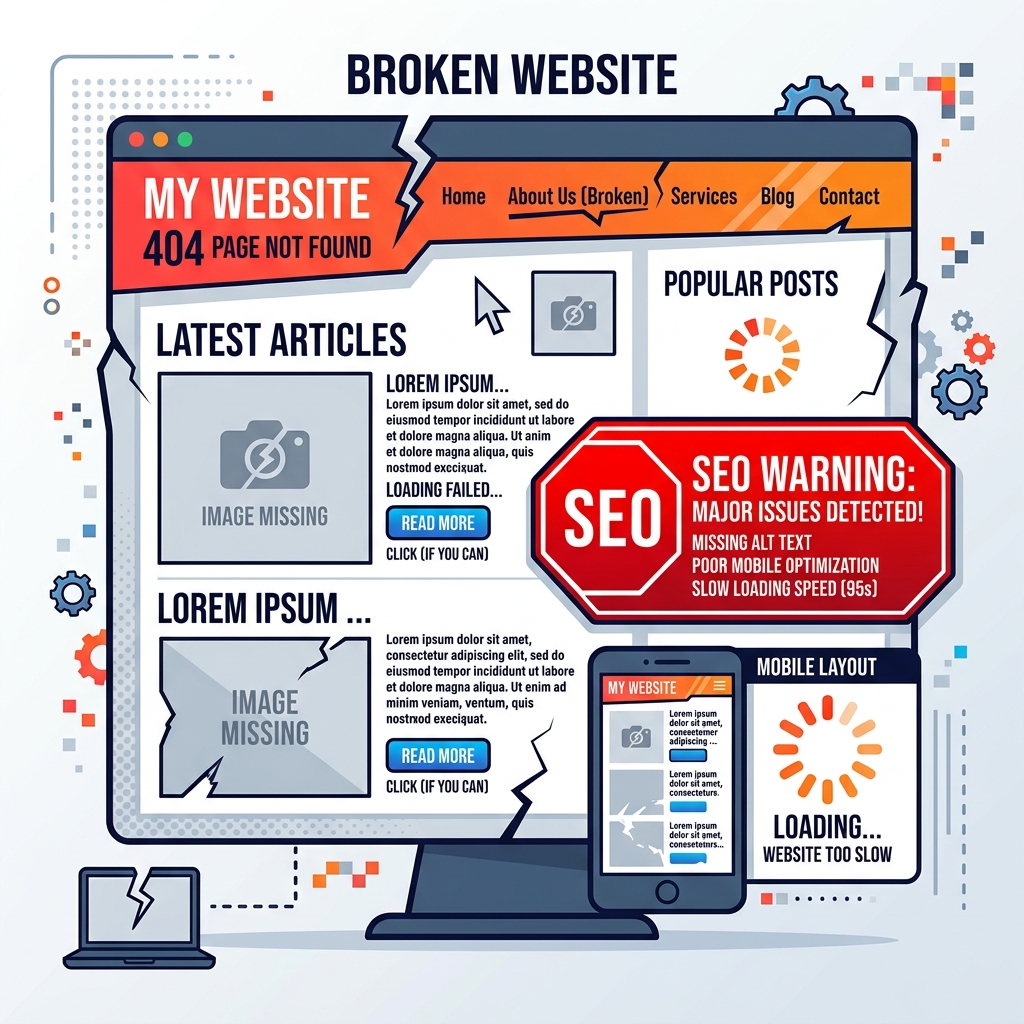
Key Takeaways
- Expert Insight: Avoid these critical web design mistakes that hurt your search engine rankings. Learn how to optimize your UX for SEO and boost your conversions in 2026.
- Topical Authority: This guide established deep expertise in 10 Web Design Mistakes That Kill Your SEO in 2026.
- Direct Answer: Implementation of these strategies leads to measurable improvements in web performance and SEO ranking.
Content Angle: Beginner-Friendly Warning Guide with Advanced Fixes
You've spent thousands of dollars on a beautiful new website, but your traffic is non-existent. You're ranking on page 8 for your target keywords, and when users do find you, they leave within seconds.
The problem? Your web design is killing your SEO.
In 2026, Google's algorithms are smarter than ever. They don't just look at keywords; they look at User Experience (UX). If your design gets in the way of the user, Google will penalize you. Here are the 10 most critical web design mistakes to avoid this year.
🧠 Search Intent Validation
- The Problem: Low rankings and high bounce rates despite having a "good-looking" site.
- The Outcome: Identifying and fixing design-related SEO bottlenecks.
- Knowledge Level: Beginner to Intermediate.
1. Ignoring Mobile-First Indexing
Google has been using mobile-first indexing for years, yet many businesses still design for desktop first and "squeeze" the content for mobile.
The Fix: Start your design process at 375px width. Ensure your navigation is thumb-friendly and your font sizes are at least 16px for readability without zooming.
[LINK to Mobile-First Guide]
2. Slow Page Load Times (Core Web Vitals)
A site that takes 5 seconds to load is a site with 0 SEO potential. In 2026, Interaction to Next Paint (INP) is a core metric. If your design is heavy with unoptimized scripts and large images, you fail.
The Fix: Optimize images using AVIF, use lazy loading, and minimize third-party scripts. Aim for a sub-2.5s Largest Contentful Paint (LCP).
[LINK to Speed Guide]
3. Poor Navigation and Site Structure
If a user (or a search engine crawler) can't find what they need in 3 clicks, your structure is broken. Complex, nested menus are the enemy of SEO.
The Fix: Use a "flat" site structure. Ensure your most important pages are linked directly from the homepage or the main navigation.
4. Using "Thin" Content on Service Pages
Designing a page with just a headline and a contact form might look "minimalist," but it gives Google zero context about what you do.
The Fix: Aim for at least 500-800 words on service pages. Use semantic headers (H2, H3) and explain your value proposition clearly.
5. Non-Clickable or Hidden Elements
Elements that look like buttons but aren't, or buttons that are too small to tap on mobile, lead to "rage clicks" and high bounce rates.
The Fix: Ensure all interactive elements have a minimum tap target of 44x44px. Use high-contrast colors for your Calls to Action (CTAs).
6. Overloading with Intrusive Pop-ups
We've all seen them: the moment you land on a site, a pop-up covers the content. Google explicitly penalizes "intrusive interstitials" that block the user's primary intent.
The Fix: Use subtle slide-ins or exit-intent pop-ups instead of full-screen overlays that trigger immediately on page load.
7. Missing Alt Text on Images
Images are a massive source of traffic via Google Images. If you leave your Alt text blank, you're leaving traffic on the table.
The Fix: Write descriptive Alt text for every image. Instead of image1.jpg, use freelance-wordpress-developer-tetouan-morocco.jpg and descriptive text like "Alindevx00x WordPress Developer based in Tétouan".
8. Poor Text Contrast and Readability
If your text is light gray on a white background, users will struggle to read it. Accessibility is now a direct ranking signal.
The Fix: Use a contrast checker to ensure your text meets WCAG 2.1 AA standards. Use a line height of at least 1.5 for better readability.
9. Broken Links and 404 Pages
A site full of broken links signals to Google that the site is poorly maintained.
The Fix: Regularly run a crawl using tools like Screaming Frog or Ahrefs to identify and fix broken internal and external links.
10. No Clear Hierarchy (H1-H6)
Using headings for "styling" instead of "structure" confuses search engines. You should only have one H1 per page.
The Fix: Use H1 for the main topic, H2 for sub-sections, and H3 for supporting points. This creates a semantic map for Google to understand your content.
🏁 Conclusion
Your website's design is its first impression—not just for users, but for Google. By avoiding these 10 mistakes, you'll create a site that isn't just beautiful, but also highly visible in search results.
Need an SEO-First Redesign? Check out my WordPress Development Services or Contact Me for a free audit of your current site.
Tags: Web Design SEO, UX Design, Technical SEO, Mobile Optimization, Alindevx00x