
Docker for WordPress Developers: The 2026 Workflow
Key Takeaways
- Expert Insight: Stop saying "it works on my machine." Learn how to use Docker to build a consistent, scalable, and professional WordPress development workflow in 2026.
- Topical Authority: This guide established deep expertise in Docker for WordPress Developers: The 2026 Workflow.
- Direct Answer: Implementation of these strategies leads to measurable improvements in web performance and SEO ranking.
Content Angle: Professionalizing the Dev Stack
The days of installing XAMPP or MAMP and hoping for the best are over. In 2026, professional WordPress development happens in Containers.
Docker allows you to "package" your entire server environment—the exact version of PHP, NGINX, and MariaDB you'll use in production—into a portable image. This means your site works exactly the same on your laptop as it does on a high-end cloud VPS.
This guide will help you transition to a modern Docker-based workflow.
🧠 Search Intent Validation
- The Problem: Inconsistent development environments and difficulty managing multiple project versions.
- The Outcome: A rock-solid, portable development environment that scales effortlessly.
- Knowledge Level: Advanced (Developers).
1. The Core Concept: Infrastructure as Code
In 2026, we don't manually configure servers; we define them in code. With Docker, your entire server setup is defined in a docker-compose.yml file. If you need to share the project with another developer, they just run docker-compose up, and they have the exact same environment as you in seconds.
2. Your First docker-compose.yml for WordPress
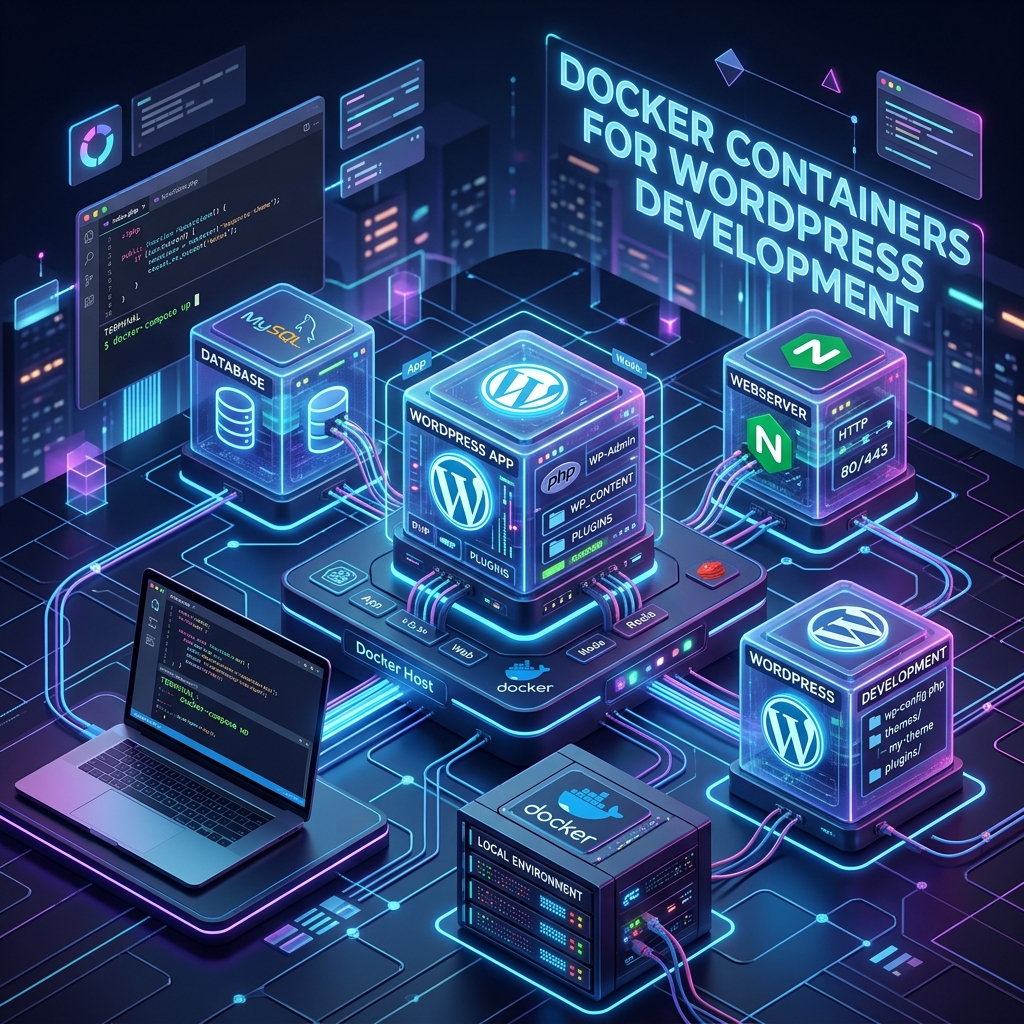
A professional 2026 WordPress stack usually involves three containers:
- WordPress (PHP-FPM): The application core.
- MariaDB: The database.
- NGINX: The web server.
[LINK to NGINX + WordPress Setup]
3. Persistent Data & Volumes
One mistake beginners make is losing their work when they stop a container.
- Volumes: You must map your local theme and plugin folders to the container using volumes. This allows you to edit files in your favorite IDE (like VS Code) and see the changes instantly in the browser.
4. Local Development vs. Production
Docker makes the move to production seamless.
- Local: Use
docker-compose.ymlfor easy development. - Production: Use Docker Swarm or Kubernetes to scale your containers across multiple servers for high-availability.
[LINK to VPS Setup Guide]
5. The 2026 Tooling: DevKinsta and Beyond
While raw Docker is powerful, tools like DevKinsta or Lando build on top of Docker to provide a more "WordPress-friendly" interface. They handle the complexity of local SSL certificates and database management while still giving you the power of containerization.
🏁 Conclusion
Transitioning to Docker is a major step in your career as a developer. It moves you from "building websites" to "engineering web applications."
Want to containerize your development? I offer Consulting for Developer Workflows and DevOps. Contact me to modernize your stack today.
Tags: Docker WordPress, Local Development, DevOps for Developers, Docker Compose Tutorial, Professional Workflow, Alindevx00x